
Multimodal conversational UX framework for AI
role
Co-Lead Product Designer
Team
2 designers, 2 engineers, 1PM
Date
Jan 2024 - April 2024
Status
Shipped in open-source
Faster design to development handoff
Accelerated product versions shipment
Designers using the Figma component library
🚀
Ensured design consistency across the product
Most importantly: We created a system that allows AI interactions to feel natural.
Context
We were building a platform where users could create AI-powered workflows by interacting with a system of agents.
Very quickly, we ran into a mismatch: The system had to behave dynamically, but our UI patterns assumed predictability.
Traditional UI patterns — buttons, forms, linear flows — were designed for deterministic systems. Our product was not.
The problem
First, we clarified what made this problem fundamentally different.
We identified 4 core properties of the system:
1. Unstructured input
Users express intent in natural language without predefined fields.
2. Dynamic unpredictable output
Responses vary in format, length, and modality.
3. Non-linear interaction
Users progress through iteration without step-by-step flows.
4. Distributed system behavior
The system is not a single entity, it’s multiple agents working together on a single outcome.
During our deep research we discovered that it's a common problem.
Product teams struggle to seamlessly integrate new AI capabilities into conversational UX within the constraints of traditional point-and-click interfaces. That affected usability, accessibility and effectiveness of AI-driven conversational products, ultimately impacting the end-user.
Standard UX approaches are not built for this. We had to design a new interaction model.
Why existing patterns failed
We evaluated how far traditional UI patterns could stretch.
Forms & structured inputs created friction and limiting flexibility by forcing users to translate intent into predefined fields.
Linear flows broke when users needed to explore, revise, or branch.
Fixed layouts assumed predictable outputs, while, in practice, responses varied too much to fit into static containers.
Confirmation-based UX assumed clear cause-and-effect, which doesn’t hold in probabilistic systems.
Trying to force AI into these patterns created complexity instead of reducing it.
Design goal
Create a system that allows users to collaborate with MAS in a human-like way and build enough structure to keep interactions intuitive and usable.
My role
I co-led the design of what became Rustic UI — from early research to product implementation.
My contributions:
Co-leading foundational UX research and direction
Co-defining the scalable interaction model for conversational AI
Designing 25+ multi-state components for multimodal interfaces
Co-creating company's design system and open-source library
Applying the system to design and ship the product
Building the Rustic UI website (Webflow)
APPROACH
We shifted from UI-driven design to interaction-driven design.
Instead of asking:
“What should this screen look like?”
We asked:
“How should the system respond to user intent?”
This led to 2 decisions:
Treat conversation as the primary interface
Design the system around behaviors, instead of screens
EXPLORATION & MISSTEPS
Our initial approach was to extend familiar UI patterns. It worked for simple cases, but failed when:
outputs became too varied
users needed to iterate quickly
workflows didn’t follow a certain order
This was a signal that the model itself was wrong.
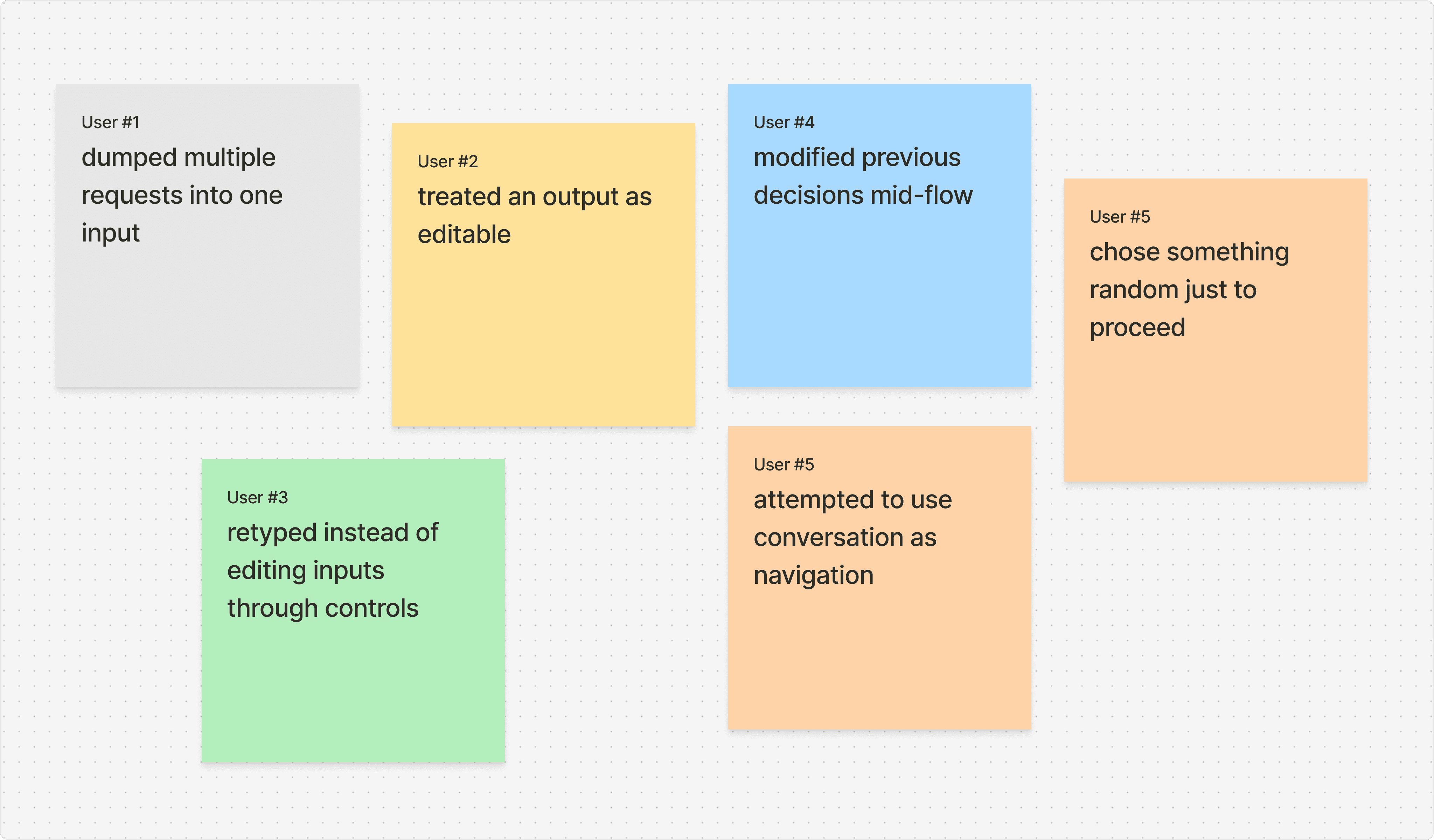
Testing interaction assumptions:
We used a combination of lightweight methods (Wizard-of-Oz simulations, Comparative testing) to observe how users phrase intent, refine requests, and iterate.
We observed that users were constantly trying to “break out” of the structure.
SYSTEM DEFINITION
We reframed the system into three layers to manage complexity:
Layer 1
Input layer
Supports different ways of expressing intent. The key decision: do not constrain input upfront — interpret it instead.
text
voice
files
Layer 2
Processing layer
The system interprets intent, coordinates agents, and determines next actions. Mostly invisible to the user — but introduces uncertainty that UX must account for.
Intent parsing
Agent configuration
Layer 3
Output layer
Where UX becomes critical. The challenge isn't displaying information but structuring it in a way that supports ongoing interaction and further refinement.
Adaptive
Interactive
Multimodal
CORE DESIGN PRINCIPLES
To guide the system, we defined a set of principles:
1. Intent over interface
Users express goals, not commands. The system adapts accordingly.
2. Multimodal by default
Interaction isn’t limited to text — users can combine voice, files, visuals, and more.
3. Non-linear navigation
Users aren’t forced into predefined flows. They explore and iterate naturally.
4. Adaptive UI over static
The interface responds dynamically to AI outputs instead of relying on fixed screens.
5. Design for ambiguity
Instead of eliminating uncertainty, we design systems that can handle and clarify it.
DESIGN SYSTEM
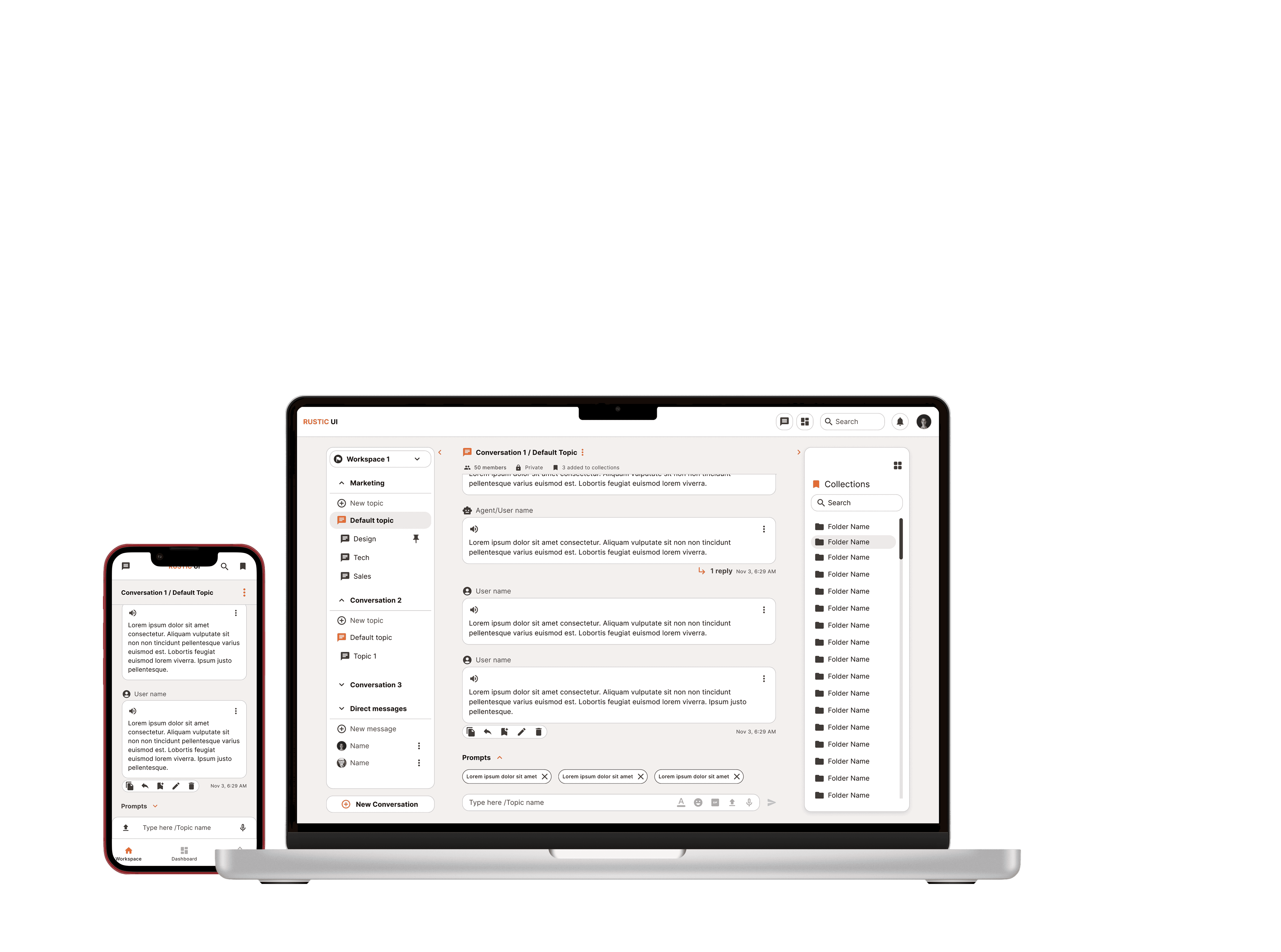
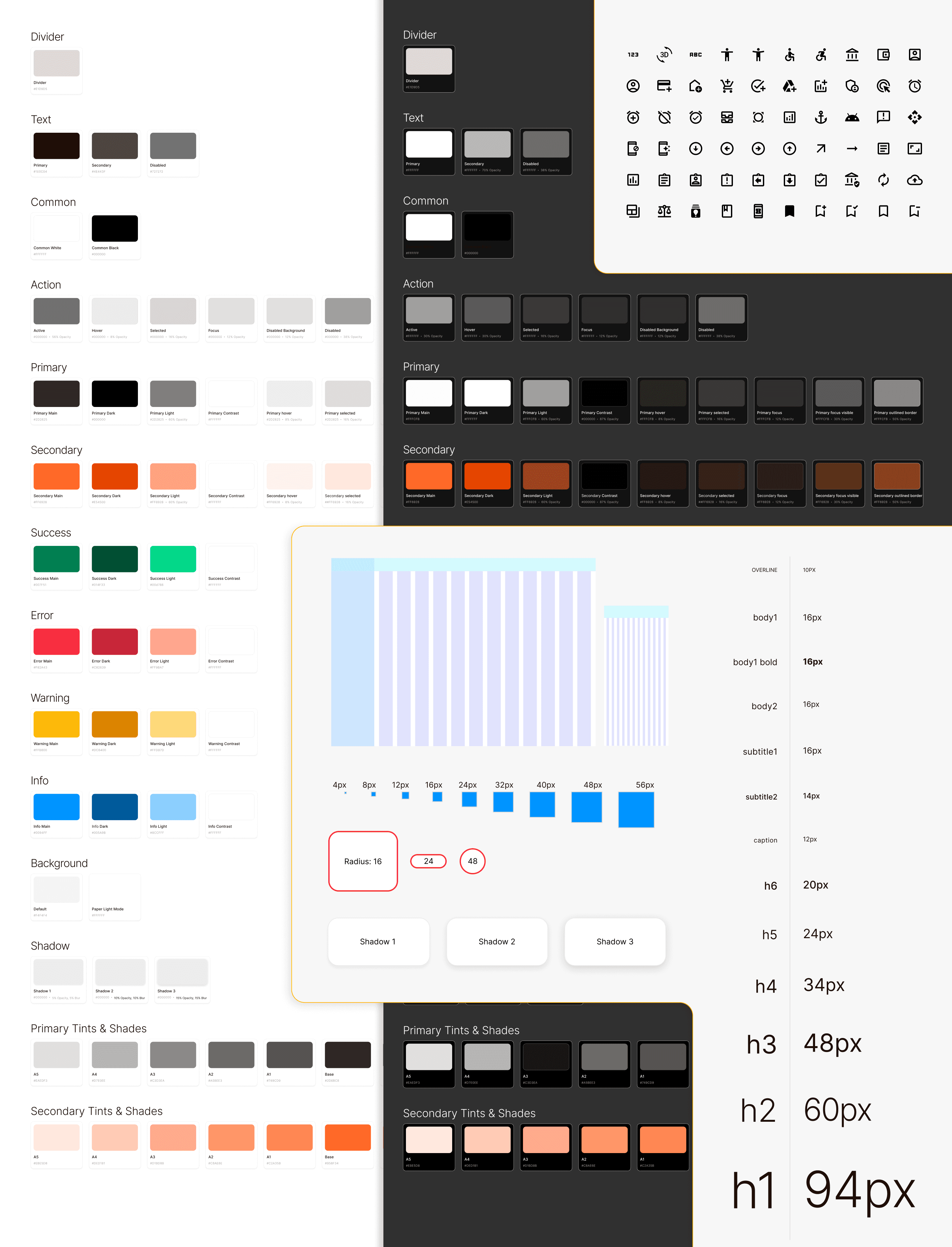
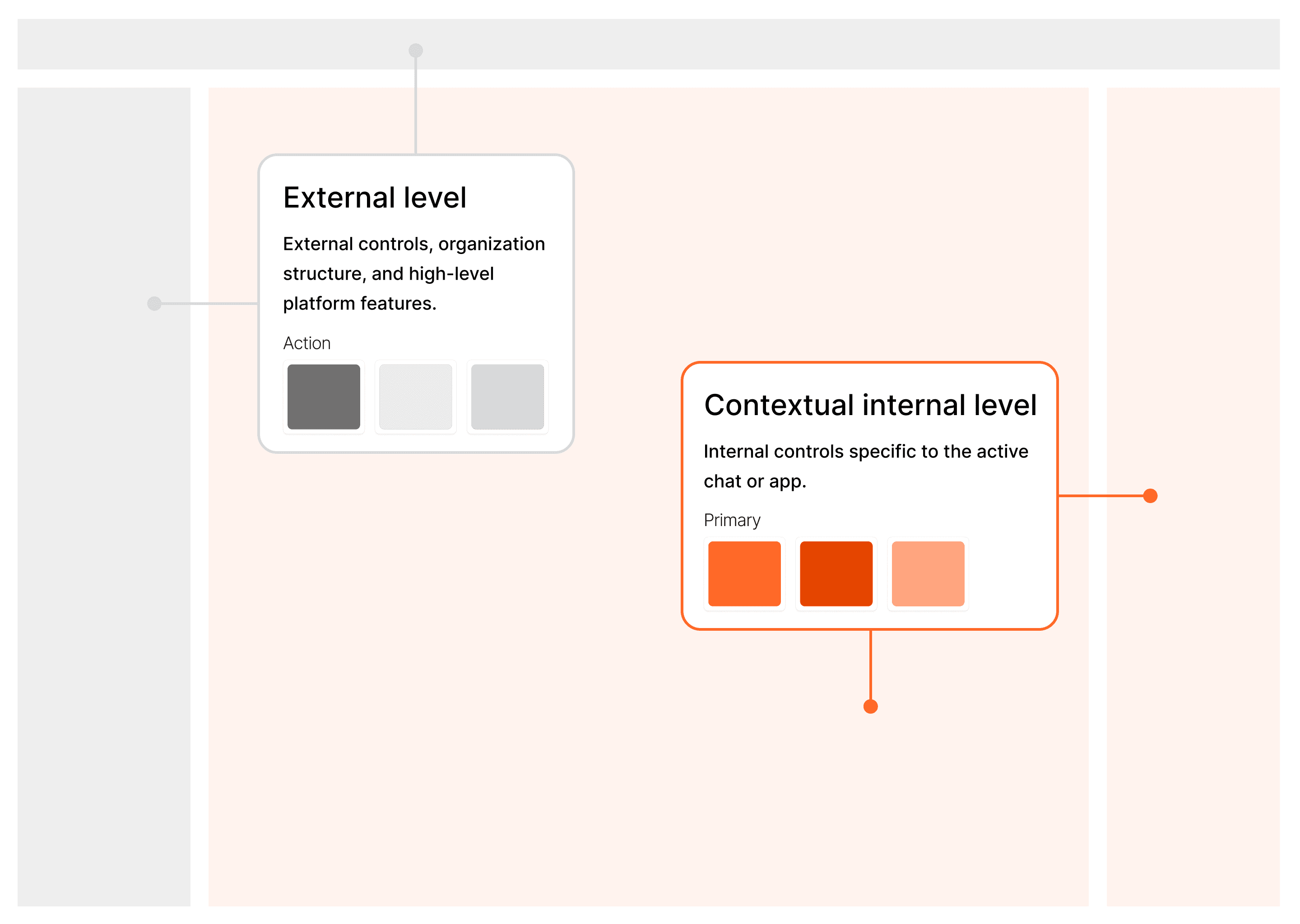
Given the research results and the findings from market analysis, I co-developed a scalable system that laid the ground for our future conversational UX: a design framework enabling rich multimodal conversational experiences for multi-agent AI.
Includes an internal design system + open-source component library for Figma and React.js.
THE COMPONENT SYSTEM
Instead of starting with UI elements, we started with patterns in system behavior. We analyzed how the system actually operated — not how we wished it would — and let that drive every component decision.
Types of responses
Text & prose
Structured data
Media & visuals
Mixed / compound
Interaction needs
Edit & refine
Confirm & approve
Expand & explore
Follow-up & iterate
System states
Processing
Partial results
Complete
Error / uncertain
From this analysis, we defined three properties that every component had to satisfy — not aesthetically, but behaviorally.
Composable
Components can be combined and nested depending on the output type — no single fixed structure.
Adaptive
They adjust to the structure and length of the response — not the other way around.
State-aware
They reflect where the system is — loading, updating, uncertain, or complete — at all times.
This shift in thinking changed how we framed every component. A concrete example:
Before:
"We need a card component."
After:
"How should a user interact with a partially complete AI response?"
Progressive updates
Inline edits
Follow-up actions
Component states - Illustrated
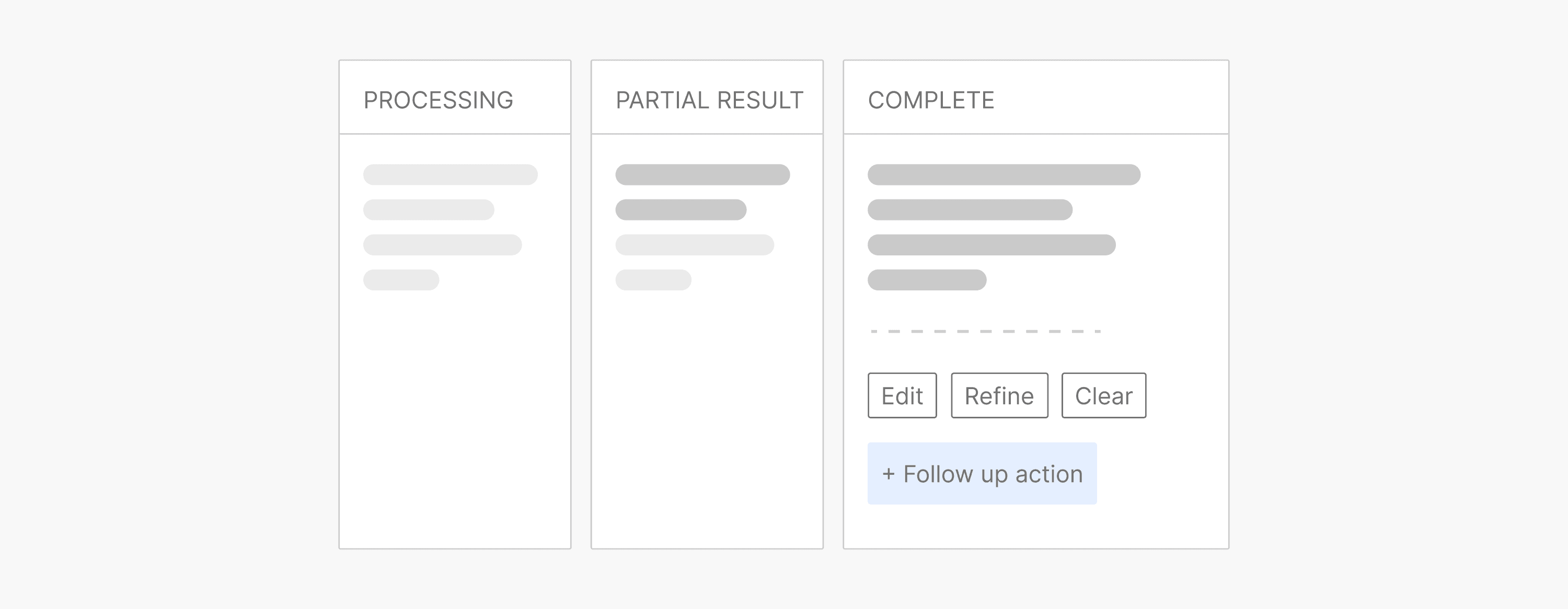
This approach to component design — behavior-first, state-aware, composable — directly informed how engineering built the React library, reducing ambiguity and making the system far easier to scale.
HANDLING TRADEOFFS
Every design decision surfaced a genuine tension. These weren't easy calls — they required deliberate choices and clear rationale.
Flexibility vs Clarity
Too much flexibility leads to confusion. We introduced:
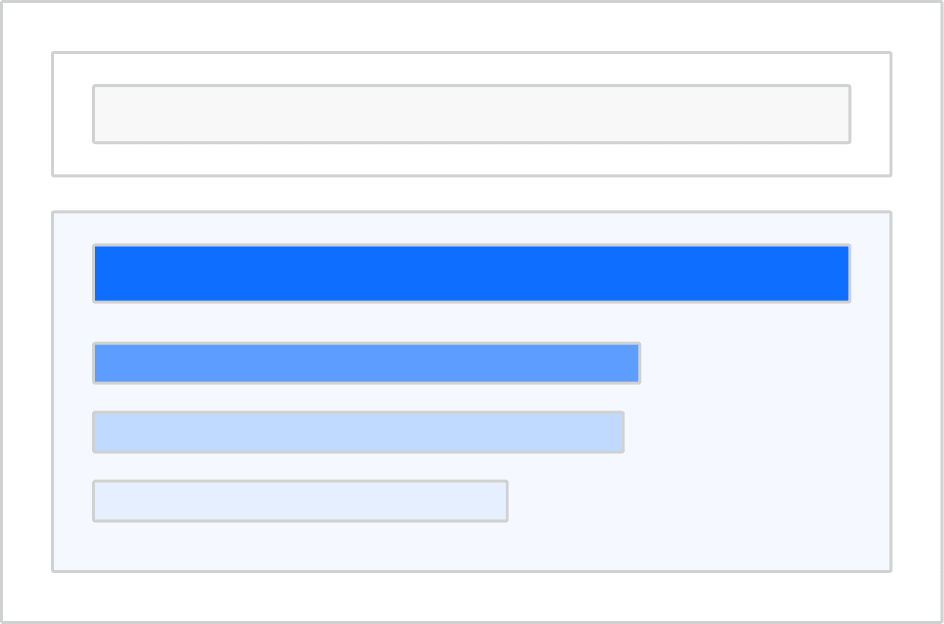
Progressive disclosure

Structured grouping within dynamic outputs
Autonomy vs Control
Fully automated systems reduce trust. We designed:
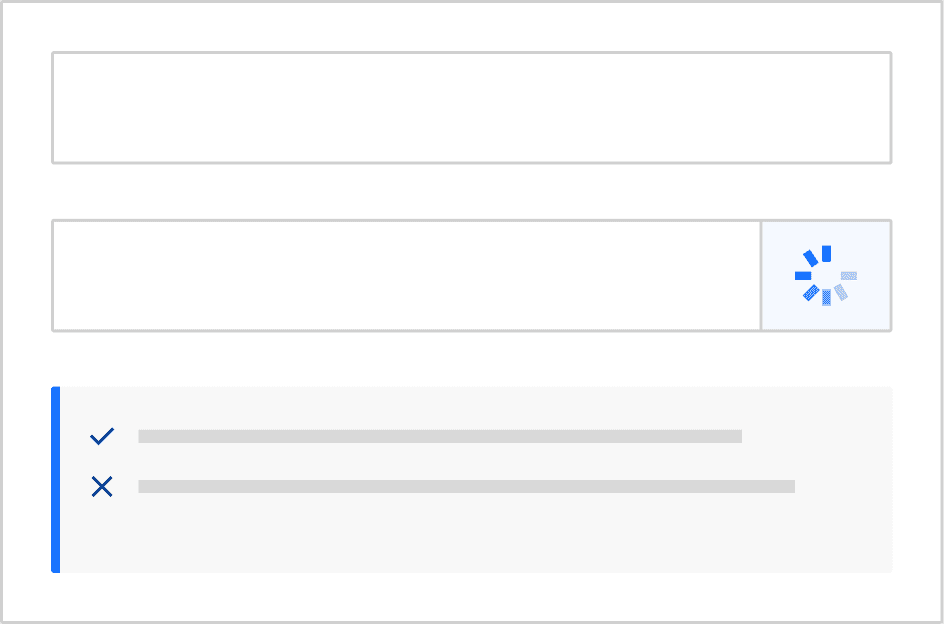
Visible system feedback
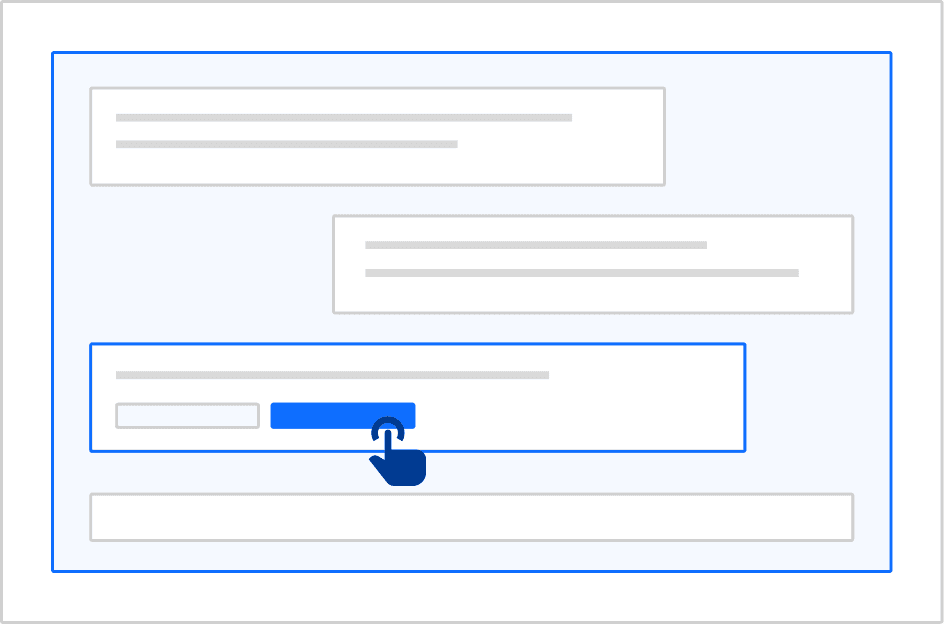
Clear affordances
Multimodality vs Cognitive Load
Multiple input types can overwhelm users. We surfaced:
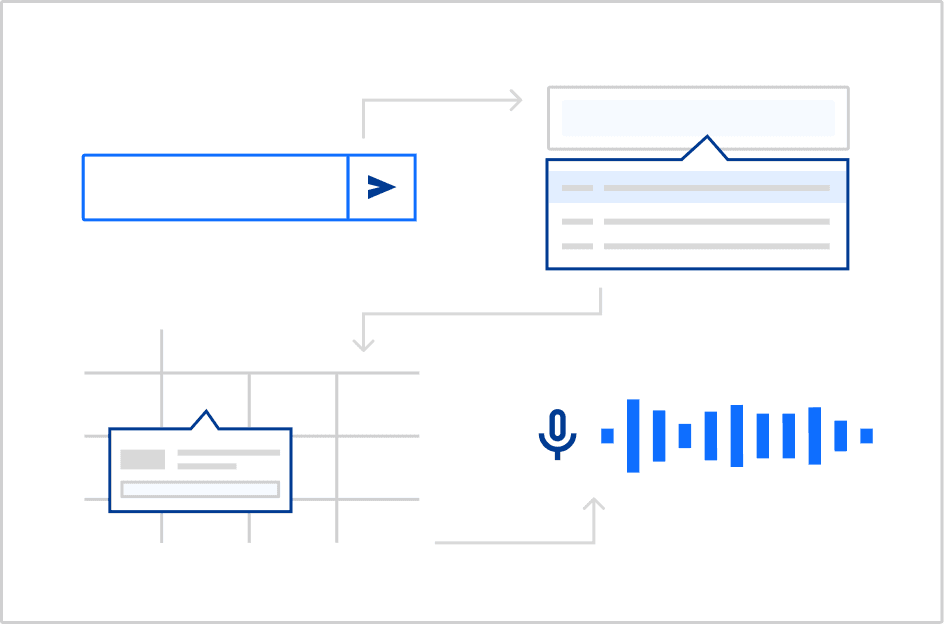
Contextual input options
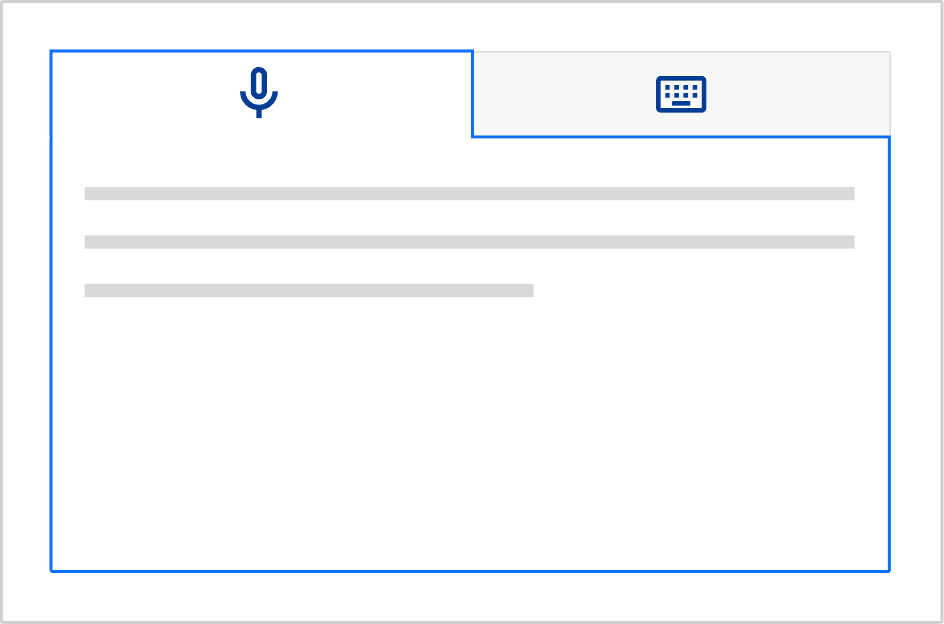
Avoided presenting all modalities at once
Speed vs Transparency
Fast responses feel unreliable if unexplained. We added:
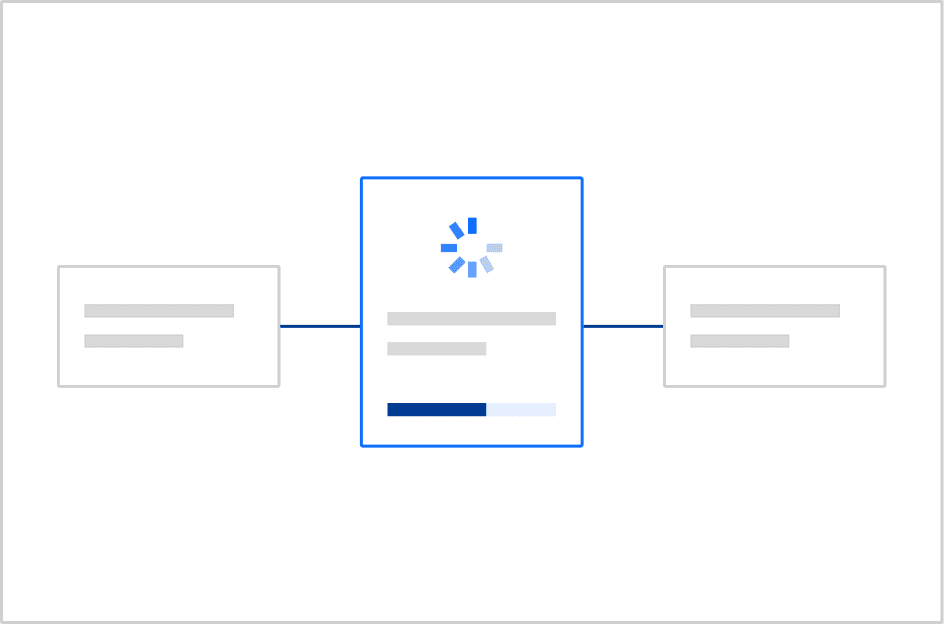
Intermediate system states
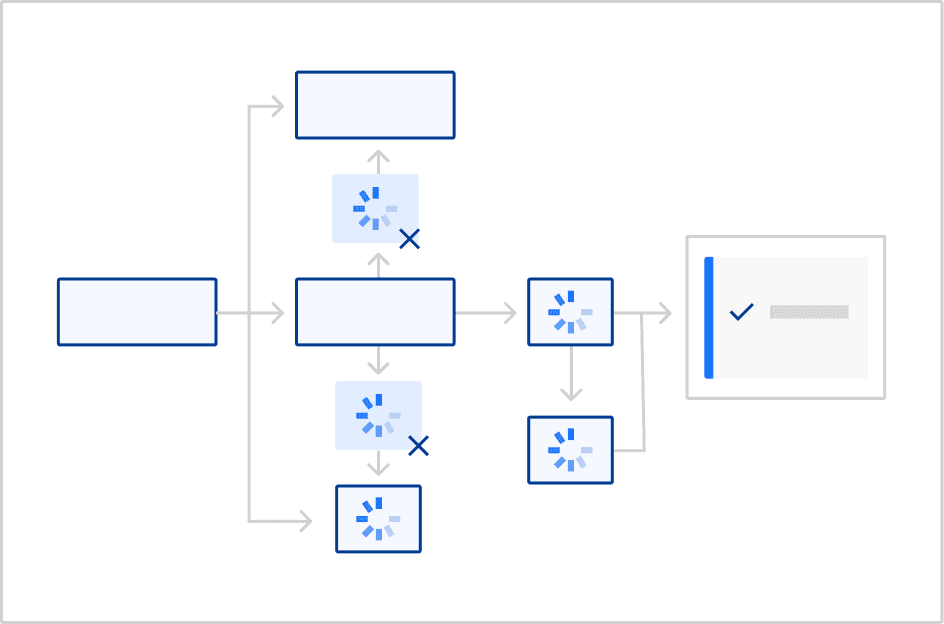
Clear feedback during processing
Collaboration with engineering
A key part of making this system work was aligning design with implementation.
We worked closely with engineers to:
Define component behavior
Ensure components map to reusable React structures
Reduce ambiguity in how dynamic content should render
This reduced back-and-forth and made the system easier to scale.
Key Learnings
Designing for AI requires adapting to uncertainty
Good AI UX is less about control, and more about guidance
What I'd explore next
This project opened up as many questions as it answered. Areas I'm actively thinking about:
Better patterns for AI explainability and trust-building in uncertain systems
Meaningful metrics for evaluating conversational UX quality over time
Scaling interaction models across more complex, multi-agent system architectures